Rember
Between work and my personal life, I use several devices: a work laptop, a personal laptop, my phone and my tablet. Sometimes I come across something online that I want to revisit later on another device. I could bookmark it, but I’ve never liked how bookmarks become long dropdown menus filled with nested folders. They quickly get messy and difficult to navigate and syncing between devices is hit and miss.
I wanted a simple, browser-agnostic website where I could save links and access them anywhere, without relying on browser syncing. In 2016, I decided to build it myself: Rember (imagine remember spelled by a toddler).
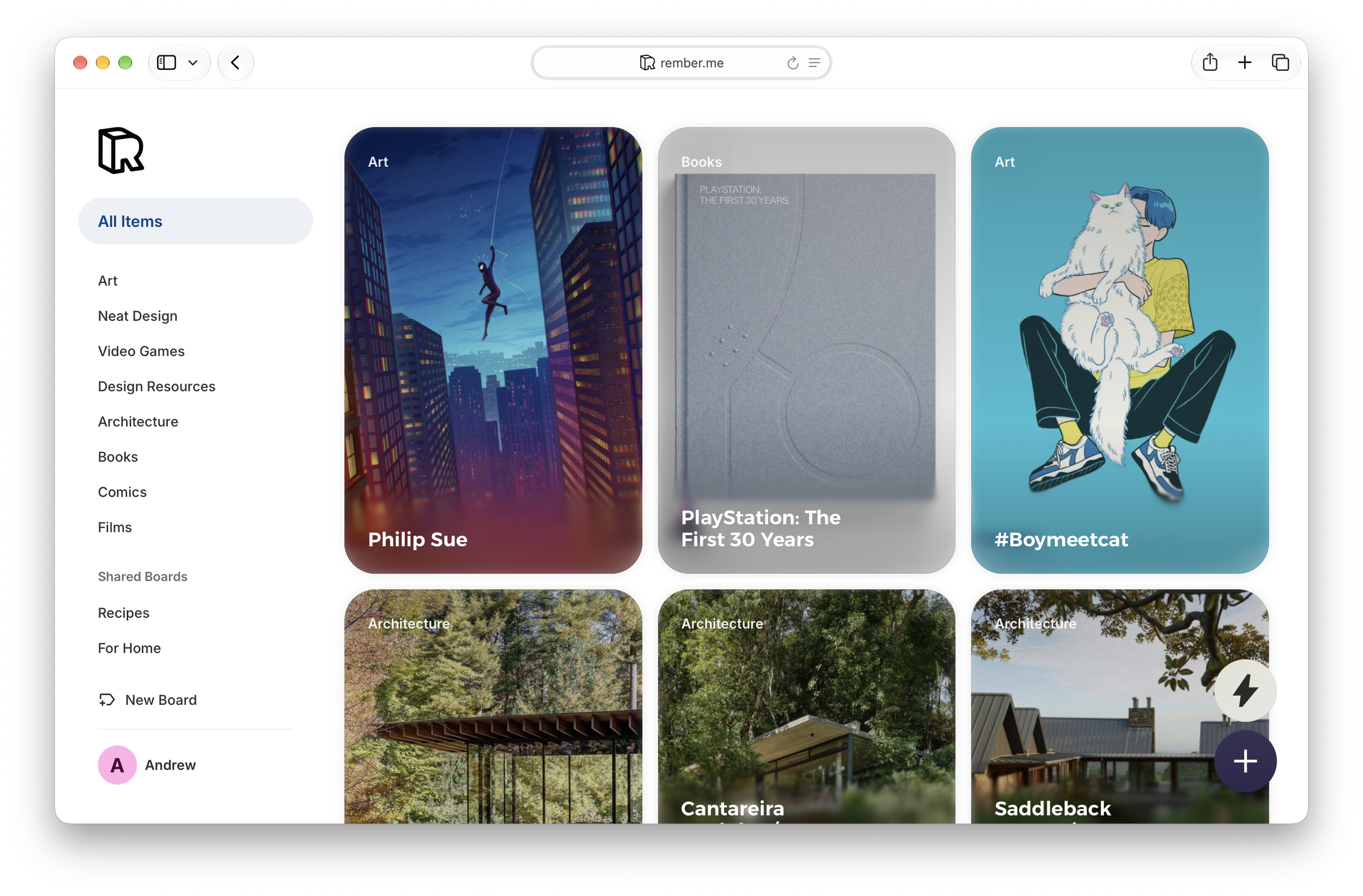
The concept is straightforward: paste a link, give it a title, optionally add an image, and save it. As collections grew, I added boards to keep everything organised, making it easy to group links by topic or project without overcomplicating the experience.
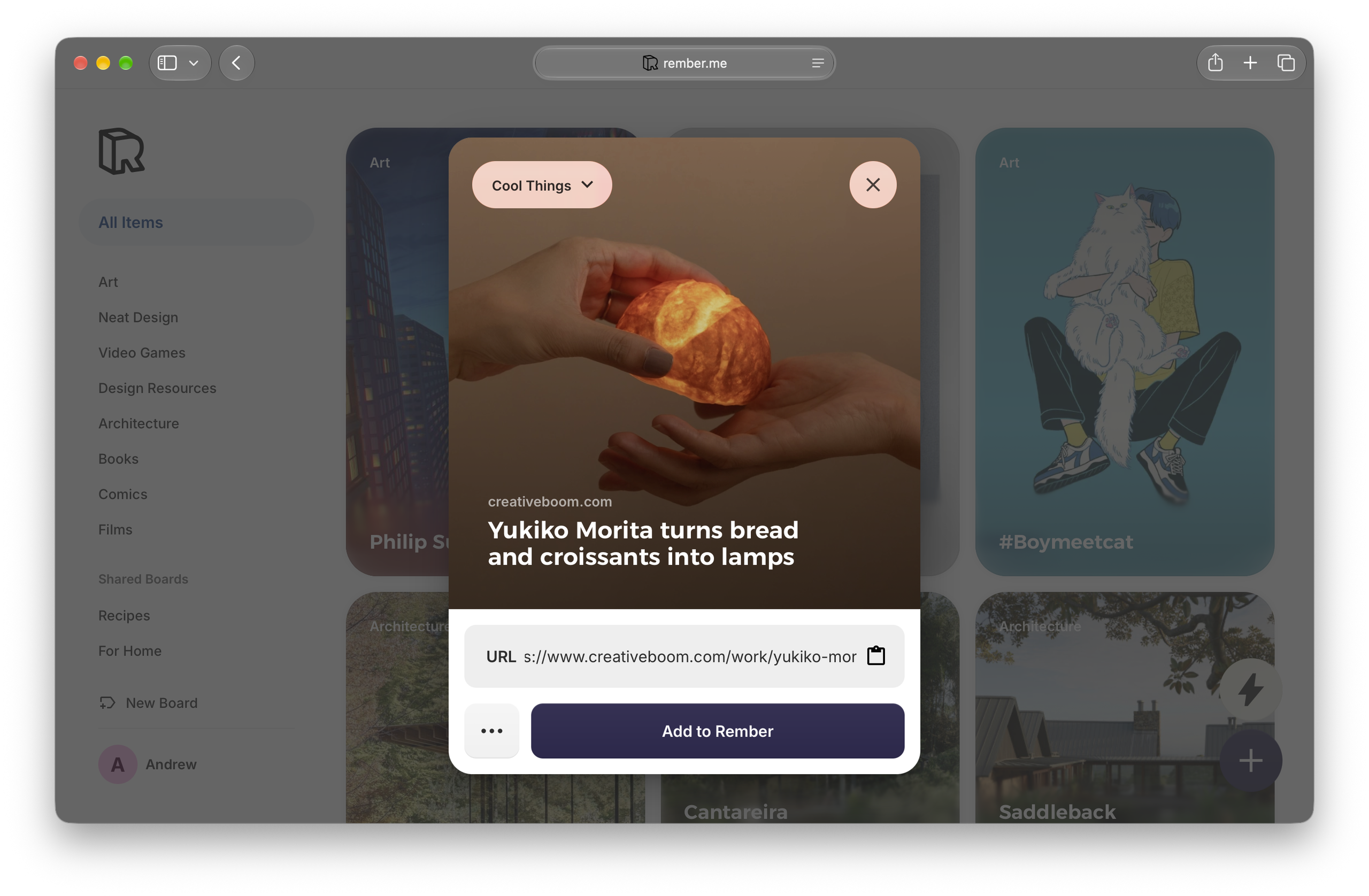
With Rember, you simply paste a link, and the title and image are retrieved automatically. Choose a board, save it, and you’re done.
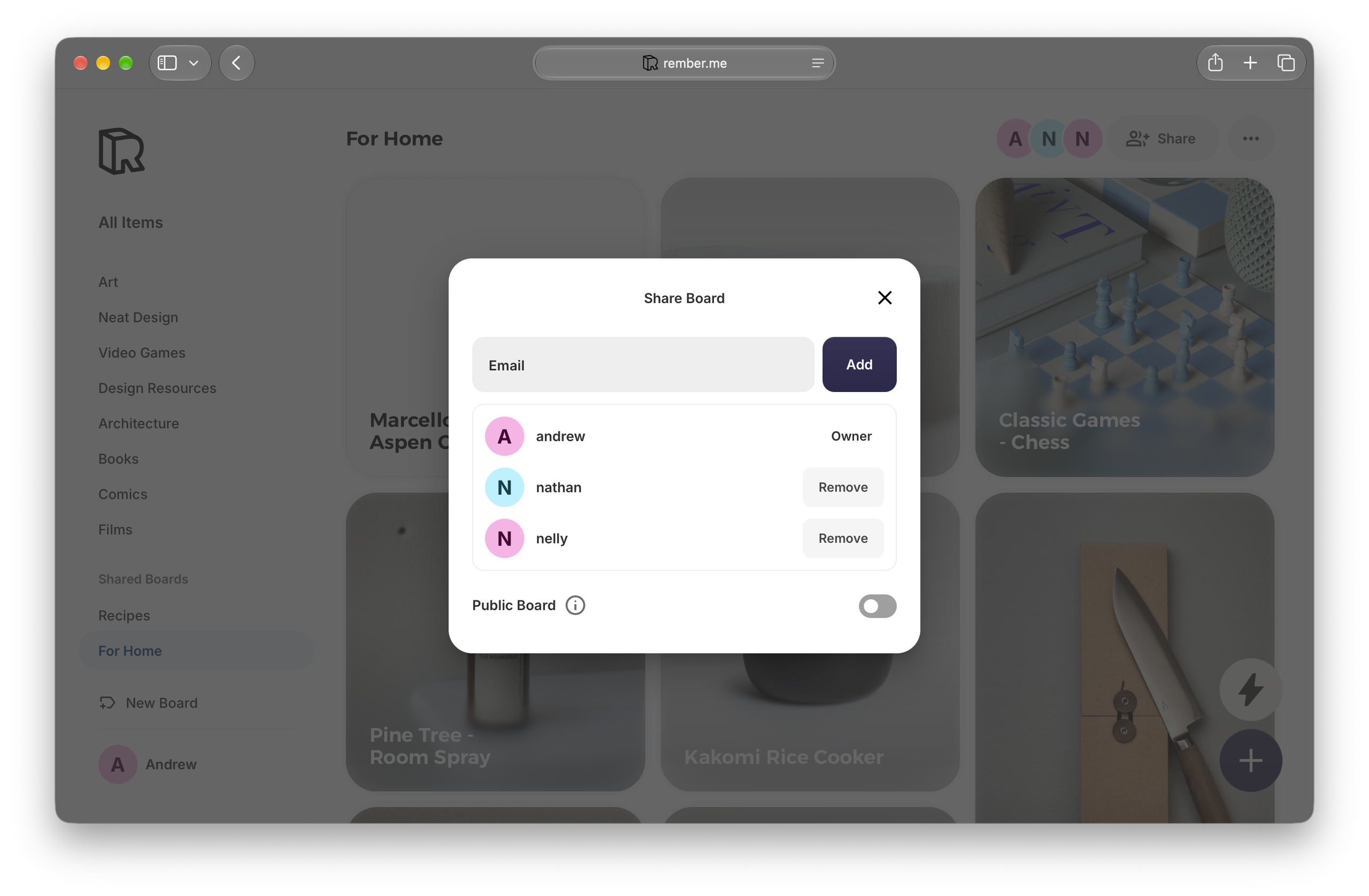
Initially, Rember was a simple tool built around my own niche use case. But when colleagues started taking notice, I discovered another application for it. During the inspiration-gathering phase of a project, Rember became a collaborative repository where teams could collect, organise and curate references together. I introduced shared boards and user roles, allowing collaborators to contribute while maintaining control over the content.
To make the process even more seamless, I developed a Chrome extension that lets users save websites without leaving the page they’re browsing.

Rember remains an invitation-only project, but it continues to evolve alongside the people who use it. What started as a personal solution to a small frustration has grown into a simple, collaborative tool for collecting and sharing inspiration.